
Orbit map
Library
Library is the home for your spots. Use this page to understand each region.
Interactive map
Hover or focus a highlighted region for a quick description. Click to open the related page.

Map regions
These cards mirror the hotspots above and link to the related docs pages.

Playlists
Playlists scope the grid and create focused training sets. Use All Spots as the default view, and build playlists to create specific sets.

Filters
Filters narrow the current view. Format, Table, Field, and Timing controls combine to help you find the exact spots you want to review.

Import spots
Import New Spot is the way to add spots to your Library. Use it after exporting a Complete Export ZIP from HRC.

Viewer
Open the Viewer screen map to review a spot and navigate inside trees.
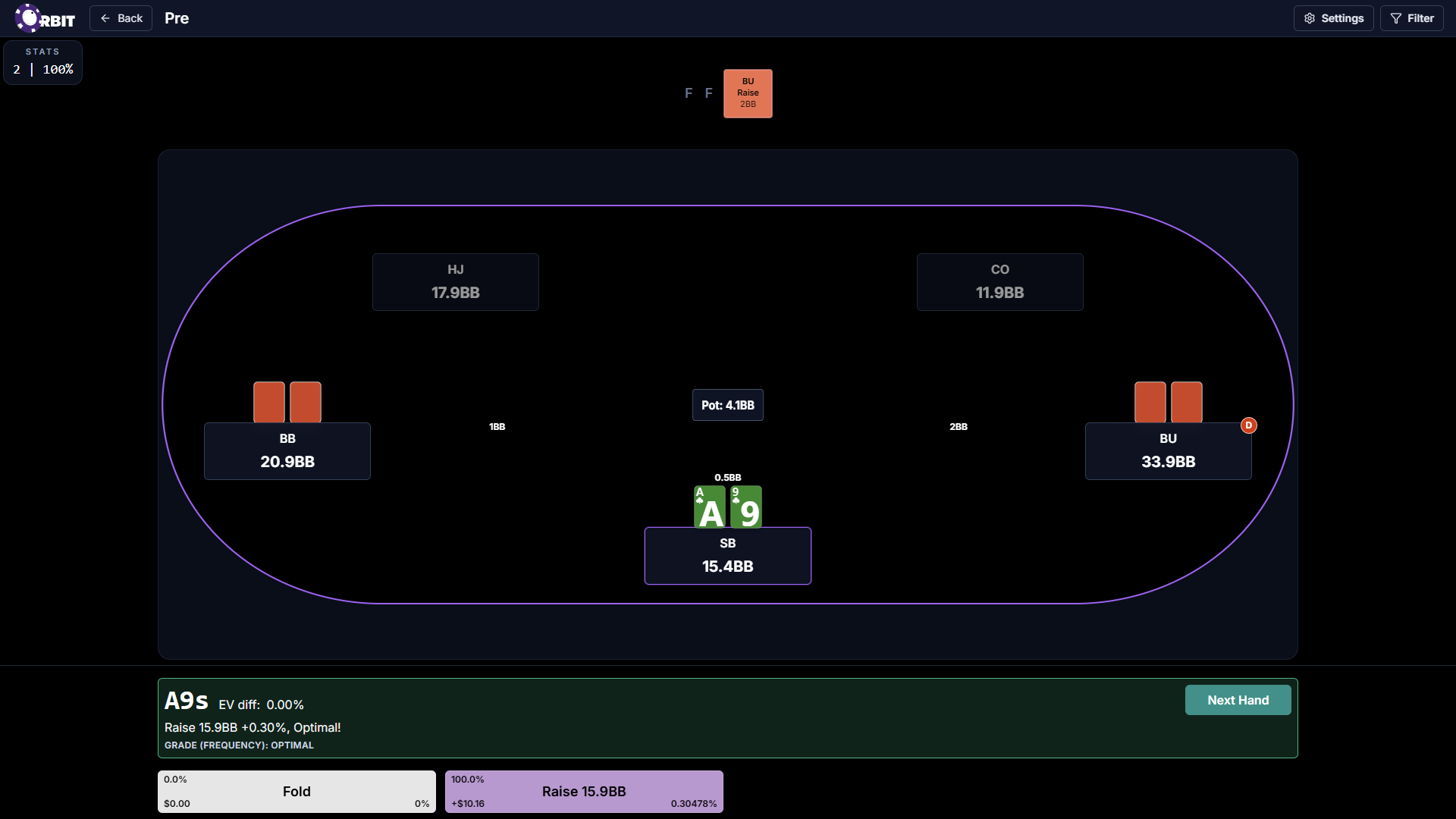
Trainer
Practice spots from your Library. Open the Trainer screen map for filters, settings, and session regions.

Settings and account
Account link leads to account Settings, and Playlist sharing configuration.