
Orbit map
Viewer
Viewer is where you review a spot with postflop trees attached. Use this page to understand each region.
Interactive map
Hover or focus a highlighted region for a quick description. Click to open the related page.

Map regions
These cards mirror the hotspots above and link to the related docs pages.

Strategy grid
Review combo strategy and node frequencies together. Open the strategy-grid guide for indexing and visual families.
Dedicated page planned
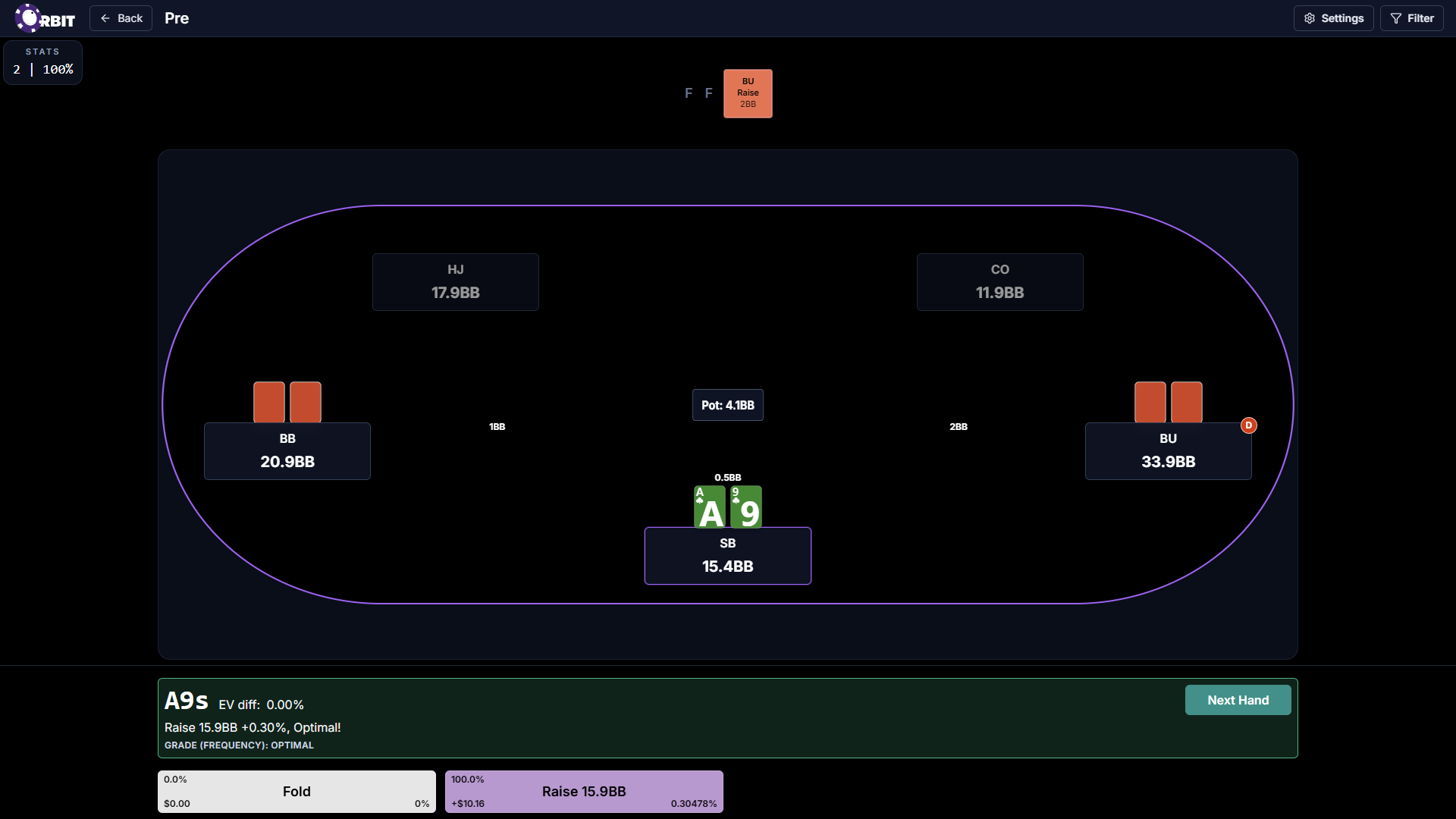
Trainer
Open the Trainer screen map to start sessions and configure filters for this spot.

Postflop
Open the postflop linking guide to attach trees and navigate linked postflop spots.

EQ chart and EV Display
Open the EQ and EV guide to read the inline chart and combo EV panel together.

EV View legend
Open the legend EV View guide for action rows, EV highlights, and training entry.
Dedicated page planned

Visual styles
Open the visual mode tutorial for HRC, Orbit, Global Frequency, and Node Frequency.